How to Calculate a Product Carbon Footprint With Octscope

A product’s carbon footprint is only as trustworthy as the method behind it. This page walks through exactly how Octscope gets from your product data to a finished report what’s declared, how the boundary is drawn and where every number in the final report comes from.
About hero

The Four Stages of a Product Carbon Footprint Calculation

From product data to a finished Product Carbon Emission Report, the process follows four stages.

01

Setting up

Set up a product once, reuse it every time

Before any calculations start, first the template is created for the product: what it is, what plants use it, and what reporting period is used. The template becomes the base for all the work and, since it is reusable, it saves us having to build from scratch every time we make a new report.

octscope icon Declare the product and its plants

octscope icon Set the reporting period

octscope icon Reuse the same template next cycle no rebuilding

02

Connecting

Bring in your data, however it already exists

Octscope gives you the flexibility to connect your data the way that works best for you. Connect a structured database to pull numbers directly from your system of record, upload a file when that’s more convenient, or enter data manually. All three options are supported out of the box, so you stay in control of how your data is conneced and when decisions are made.

octscope icon Database connection data comes straight from your system of record

octscope icon File upload bring in structured data without a live connection

octscope icon Manual entry start immediately, no integration required

03

Tracing

Every input declared, sourced and tracked

Before any calculations start, first the template is created for the product: what it is, what plants use it, and what reporting period is used. The template becomes the base for all the work and, since it is reusable, it saves us having to build from scratch every time we make a new report.

octscope icon Declaring inputs 

octscope icon The boundary, stated plainly

octscope icon Transport, per input

octscope icon Co-products

04

Reporting

From traced inputs to a finished report

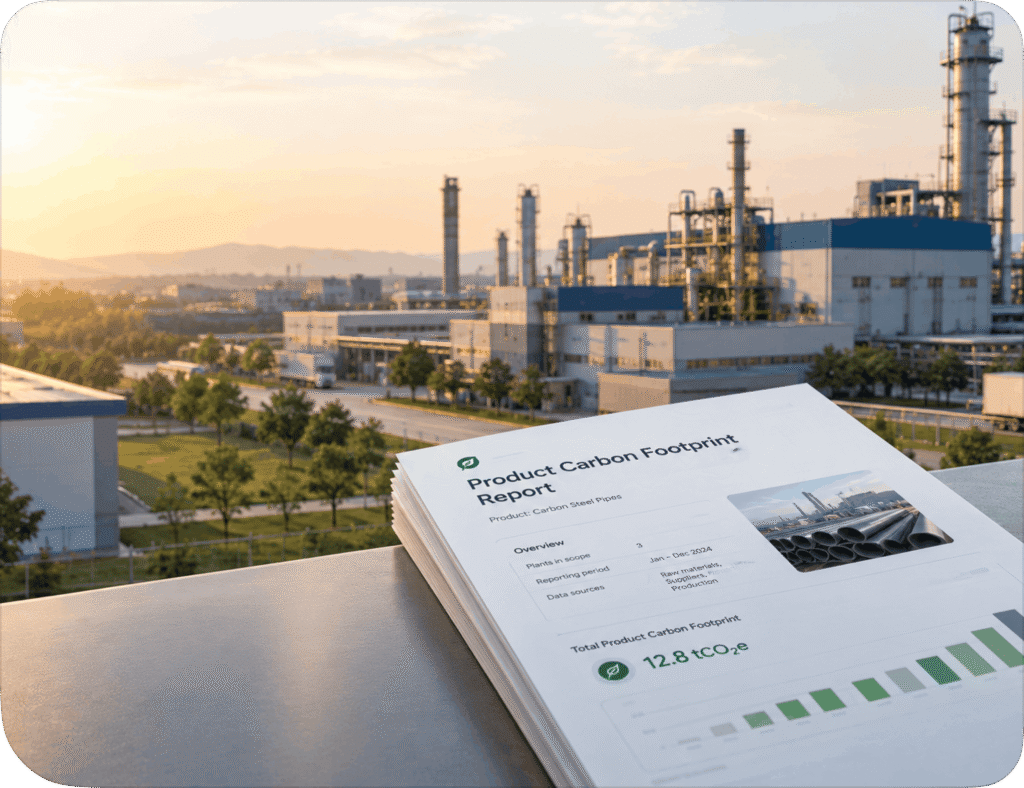
Once every input, its source and its transport are recorded, Octscope generates the Product Carbon Emission Report, covering the product, its co-products, and the full reporting period exported as a PDF ready to send to a customer, a procurement team, or an auditor.

octscope icon Product and co-product emissions, broken down by input

octscope icon Full reporting period and plants in scope

octscope icon Exported as a PDF, ready to share

Why This Method Is Traceable

Complete Transparency

Every result breaks down to the input level: what it was, where it came from, how it travelled.

One Consistent Method

The same boundary logic runs every time, for every product, every plant, every year.

Built To Scale, Not Rebuild

A template set up once carries forward, instead of starting from zero each cycle.

What the PCF report does for you

What the PCF report does for you?

Customer-ready reports for OEMs and procurement 

Provide emission figures for your products to customers and procurement groups. Use valid data at input level for RFP/RFQs, supplier disclosure or sustainability report so that you can compete for suppliers.

Built to scale across your entire portfolio

Enter one product and produce reports for all other products in your portfolio. Easily update calculations when there is any change in materials, suppliers or production process without doing it all over again.

A report that shows the full picture, not just a number

Every report states the plants in scope, the reporting period covered, and the source information behind the product, so whoever receives it sees the full context, not an isolated figure.

Calculate Your Product's Carbon Footprint

Talk to our experts and see the Product Carbon Footprint Software in action.

CTA-image

Frequently Asked Questions

How do you calculate a product's carbon footprint?

The carbon footprint of a product is measured by assessing all the inputs used in the production of a product and adding up all the emissions from each one of these inputs. Octscope makes it easier to do this by making it possible to add the inputs once and use the formula again and again.

If an input was produced internally, its production emissions are counted. If it was sourced externally, only its transport emissions are counted, the production emissions belong to whoever made it. This boundary is applied consistently across every calculation.

Octscope does this automatically. The transport mode and distance are recorded per input, so nothing is estimated in bulk.

Emissions are calculated and reported across every product and co-product a template produces, rather than allocated manually.

You need the product and plant information defined in the template, along with the relevant input, source and transport data. Octscope allows you to provide this information through a structured database connection, supported file upload or manual entry.

Scroll to Top