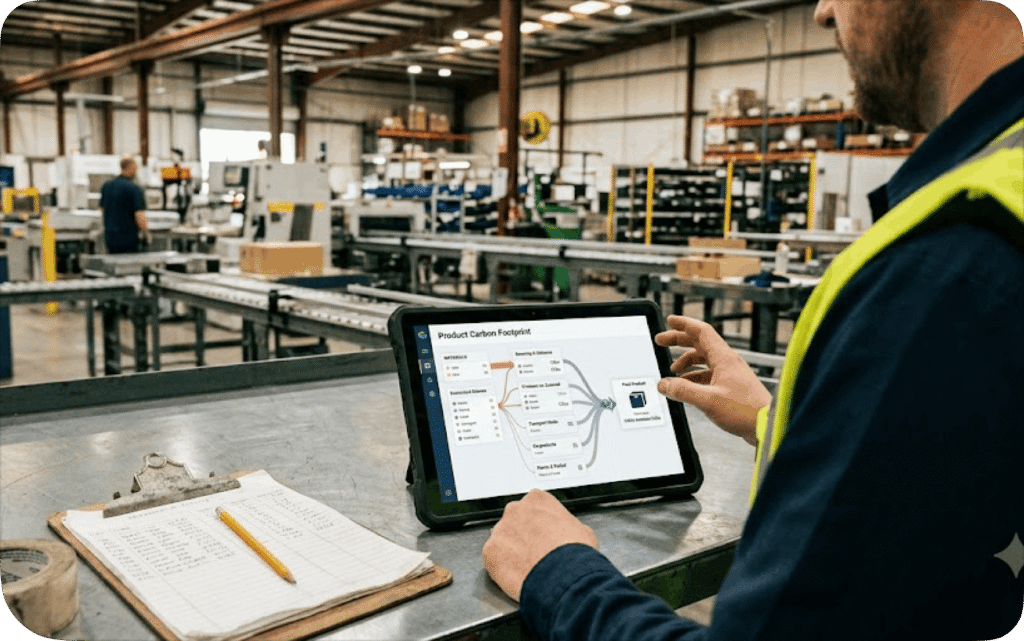
Carbon Footprint Software That Connects to Any Database

Octscope doesn’t limit you to a preset list of platforms. Connect any structured database directly, upload a file, or enter data manually, the calculation works the same way no matter how the data gets in.

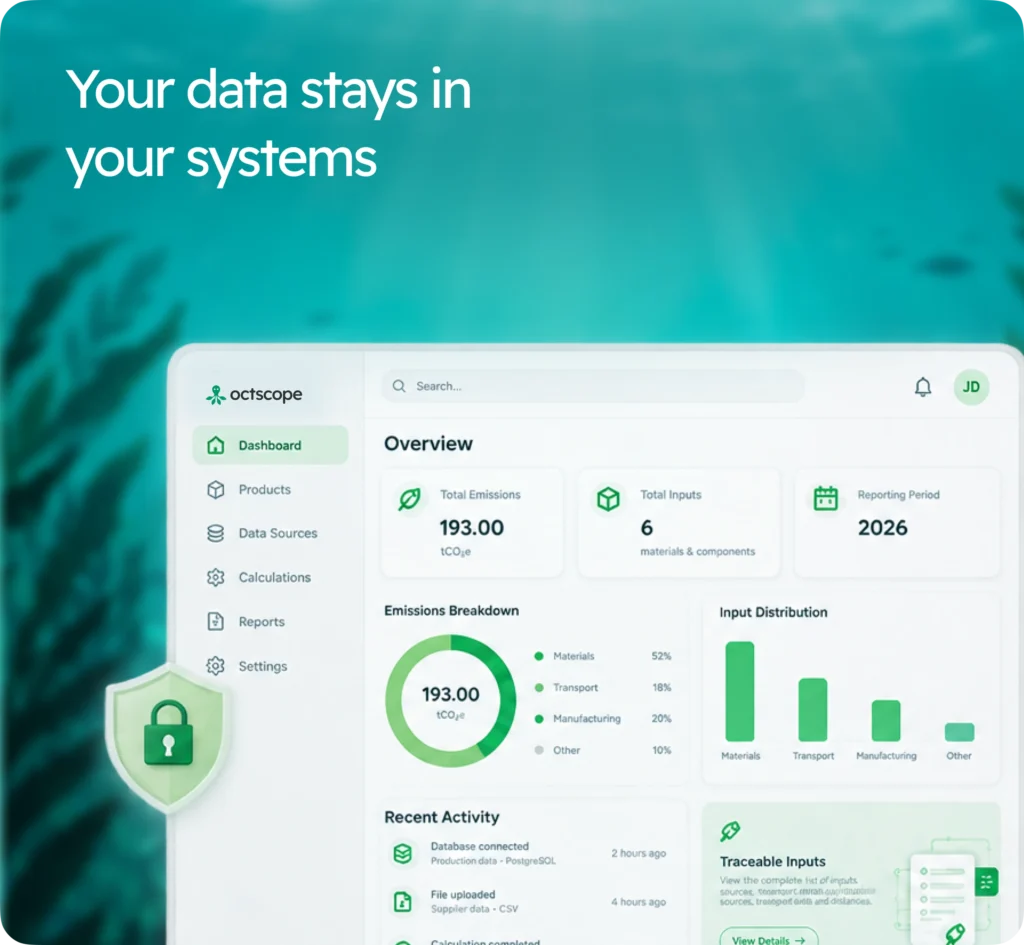
Your data stays in your systems

Your Data Already Exists. Octscope Brings It Into the Calculation.

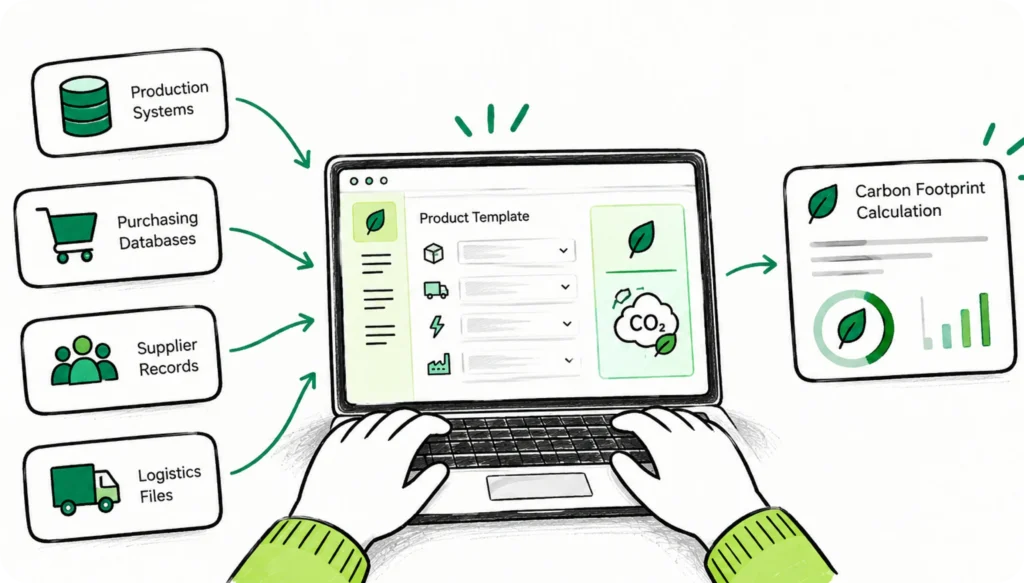
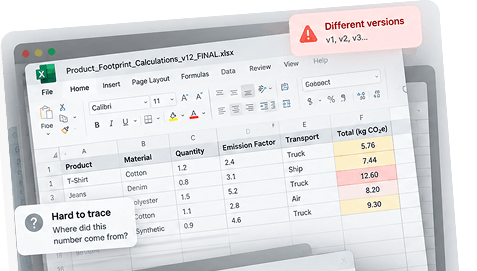
The data needed to calculate a product carbon footprint is usually already somewhere in your business in production systems, purchasing databases, supplier records or logistics files. The challenge is bringing that information into a consistent structure without rebuilding calculations in spreadsheets every time. Octscope gives you one product template for the calculation and lets you bring your data into it from the source that works for you.

Your Data Already Exists.

Bring Data From Wherever It Lives

Connect a database. Upload a file. Enter data manually

Every product template defines the fields needed for the calculation materials, sources, plants, transport modes, distances and other relevant information. You can populate those fields by connecting a database, uploading a file or entering information manually.

Connect a Structured Database

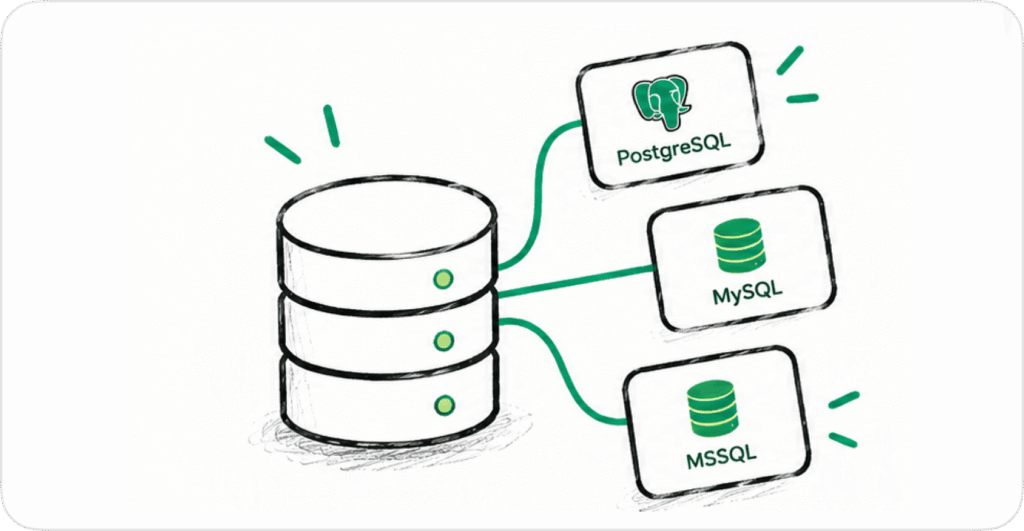
Connect PostgreSQL, MySQL, MSSQL, and other supported databases to Octscope. Map database fields to your product template to import relevant data directly, reduce manual entry and maintain consistency.

Upload a File

Already have your data in a file? Upload JSON, Excel or CSV data and map the available fields to your Octscope product template. You can use the files you already maintain without waiting for a database connection.

Enter Data Manually

If the required information is not available in a database or file, enter it directly into the relevant fields of your product template. You can start manually and connect a data source later as your data setup develops.

Map Your Data to Your Product Template

Your data does not need to start in Octscope’s format.

Your existing systems may call the same information by different names or organise it differently. Mapping connects the fields you already have to the fields required by your Octscope product template.

Your existing data

Without Octscope

Material name

Supplier / source location

Manufacturing location

Shipping method

Shipping distance

Quantity used

Octscope product template

With Octscope

Material

Mapped

Source

Mapped

Plant

Mapped

Transport mode

Mapped

Distance

Mapped

Input quantity

Mapped

Once the relevant fields are mapped, Octscope uses the populated product template for the carbon footprint calculation. The way your data enters can change. The product template and calculation structure stay consistent.

One Product Template, Multiple Data Sources

One Product Template, Multiple Data Sources

Your product data does not have to come from one system.

Production information may come from a database, transport details may be maintained in a file, and other information may need to be entered manually.

Octscope gives that information a common structure through the product template, so your team does not have to rebuild the calculation structure around every data source.

As your data infrastructure develops, the way you populate the template can develop with it.

From Your Data to a Product Carbon Footprint

Once the relevant product fields have been populated, Octscope calculates the emissions associated with the product. The calculation can account for:

Materials and components used to make the product

Where each input came from

Whether an input was produced internally or sourced externally

Transport mode for externally sourced inputs

Distance travelled by each input

Products and co-products created

Plants included in the calculation

The reporting period

From Your Data to a Product Carbon Footprint

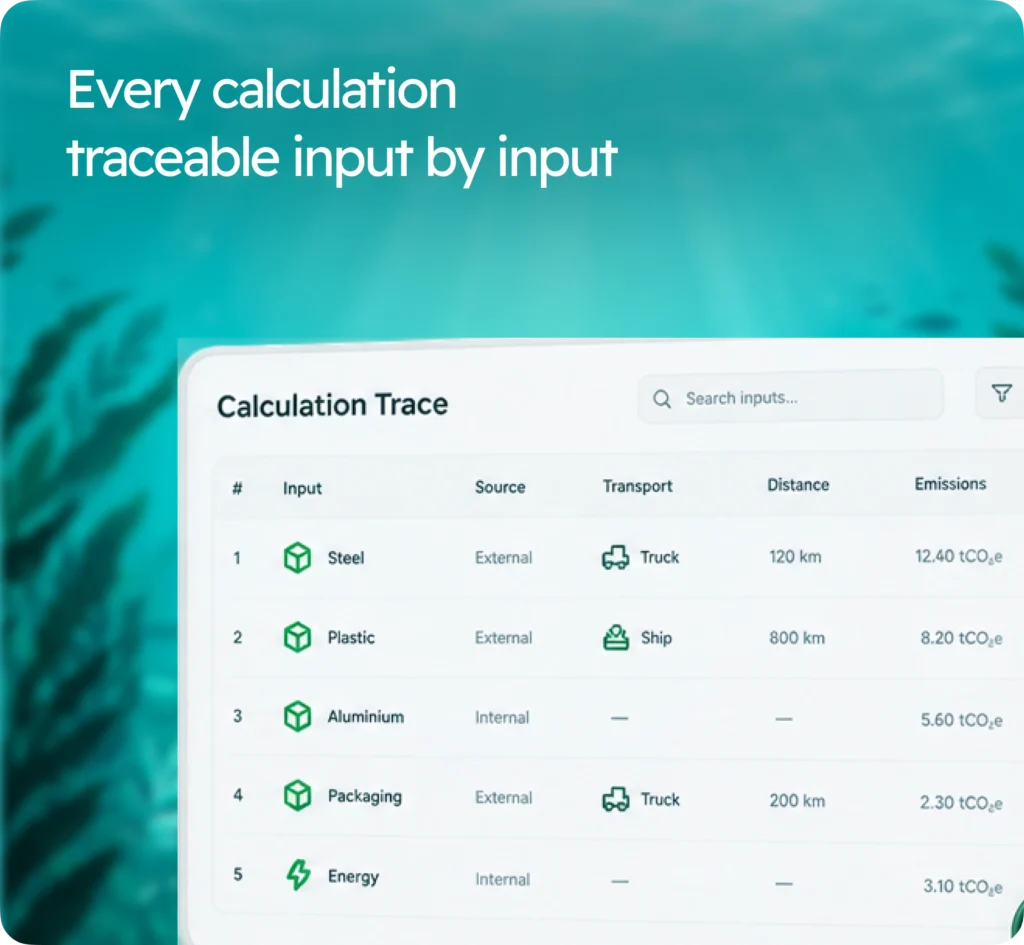
Every Input Has a Clear Path Through the Calculation

Trace the information behind the footprint back to the data used.
Octscope keeps the information used in the calculation connected to the product template, including the relevant source, plant, transport mode and distance.

Input

Steel component — 1,200 kg

Source

External — Supplier Plant B

Transport

Road — 340 km

Product

Product A

Reporting period

2026

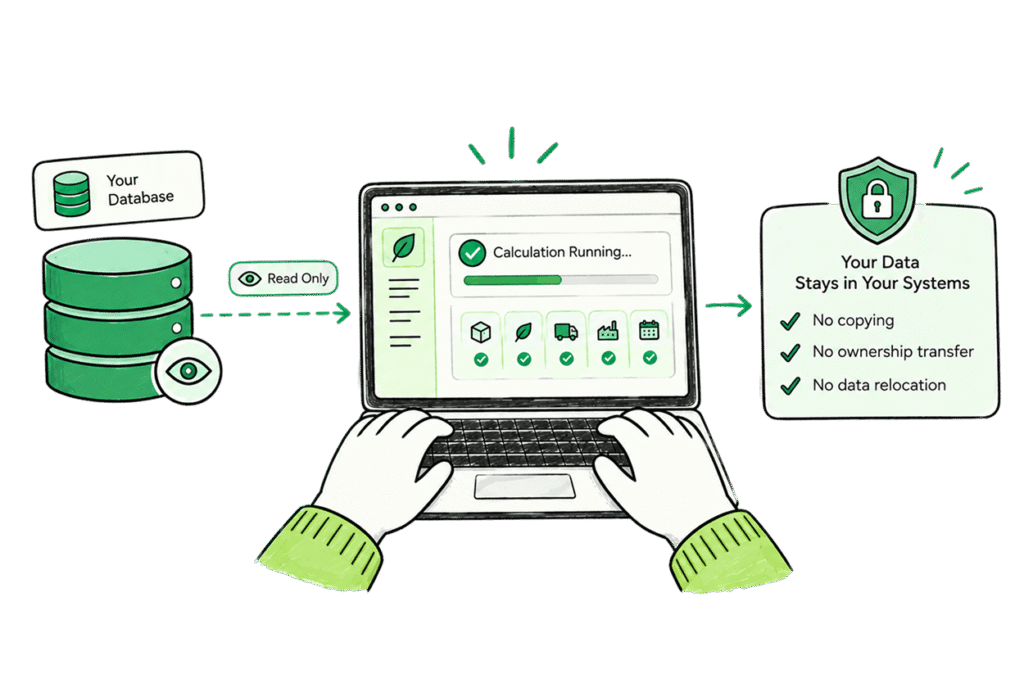
Your Data Stays in Your Systems

Connecting a database isn’t the same as handing it over. Octscope reads from your structured database, it doesn’t copy it out or take ownership of it. The connection exists to run the calculation, not to relocate your data.

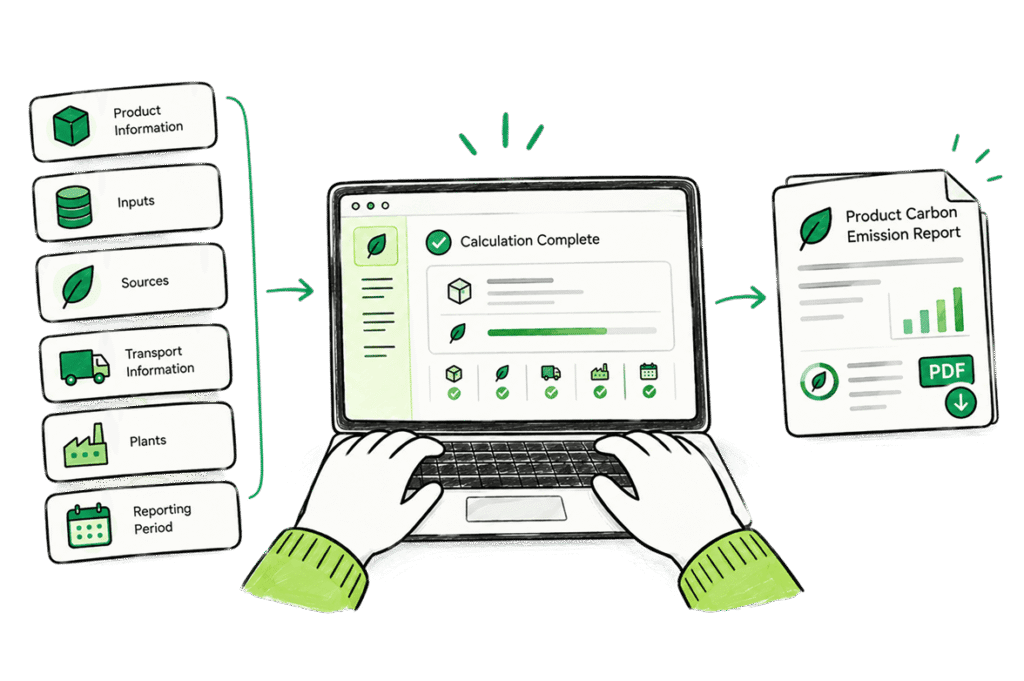
From Product Data to a Finished Report

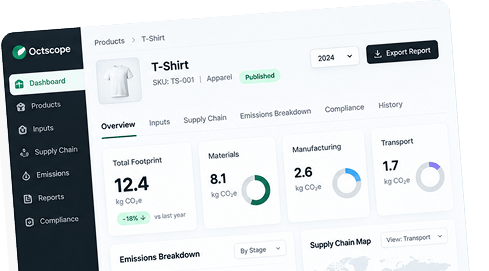
Once the product information has been populated and the calculation is complete, Octscope produces a Product Carbon Emission Report that can be exported as a PDF. The report brings together the product, inputs, sources, transport information, plants and reporting period used in the calculation.
Calculate Your Product's Carbon Footprint

Talk to our experts and see the Product Carbon Footprint Software in action.

CTA-image

Frequently Asked Questions

What systems can Octscope connect to?

Any structured database. Octscope isn’t limited to a fixed list of named platforms. If your data lives in a structured database, it can be connected.

Start with a file upload or manual entry. Both work from day one, and moving to a database connection later doesn’t require starting over.

Octscope connects to run the calculation, it doesn’t take ownership of your data.

Scroll to Top